
Know what
to use next.
Free on the App Store for iPhone.
Track ingredients and estimated expiry dates, then find recipes for what to use first.




Sound familiar?
Groceries you forgot are money in the trash.
I buy for the week and cook twice.
Nobody knows what is in the back of the fridge.
Typing every item into an app never lasts a week.
Stop guessing. Reffi logs, ranks and reminds, in one place.
Log it like a receipt
Scan a receipt, review recognized items and estimated dates, then add them to your fridge. Long receipt, or a few of them? Keep shooting, then review them together and add everything in one go. Basic scanning stays on your device. Signed-in users can separately consent to and turn on Reading helper, which sends reduced receipt photos and recognized text through Reffi to Anthropic.

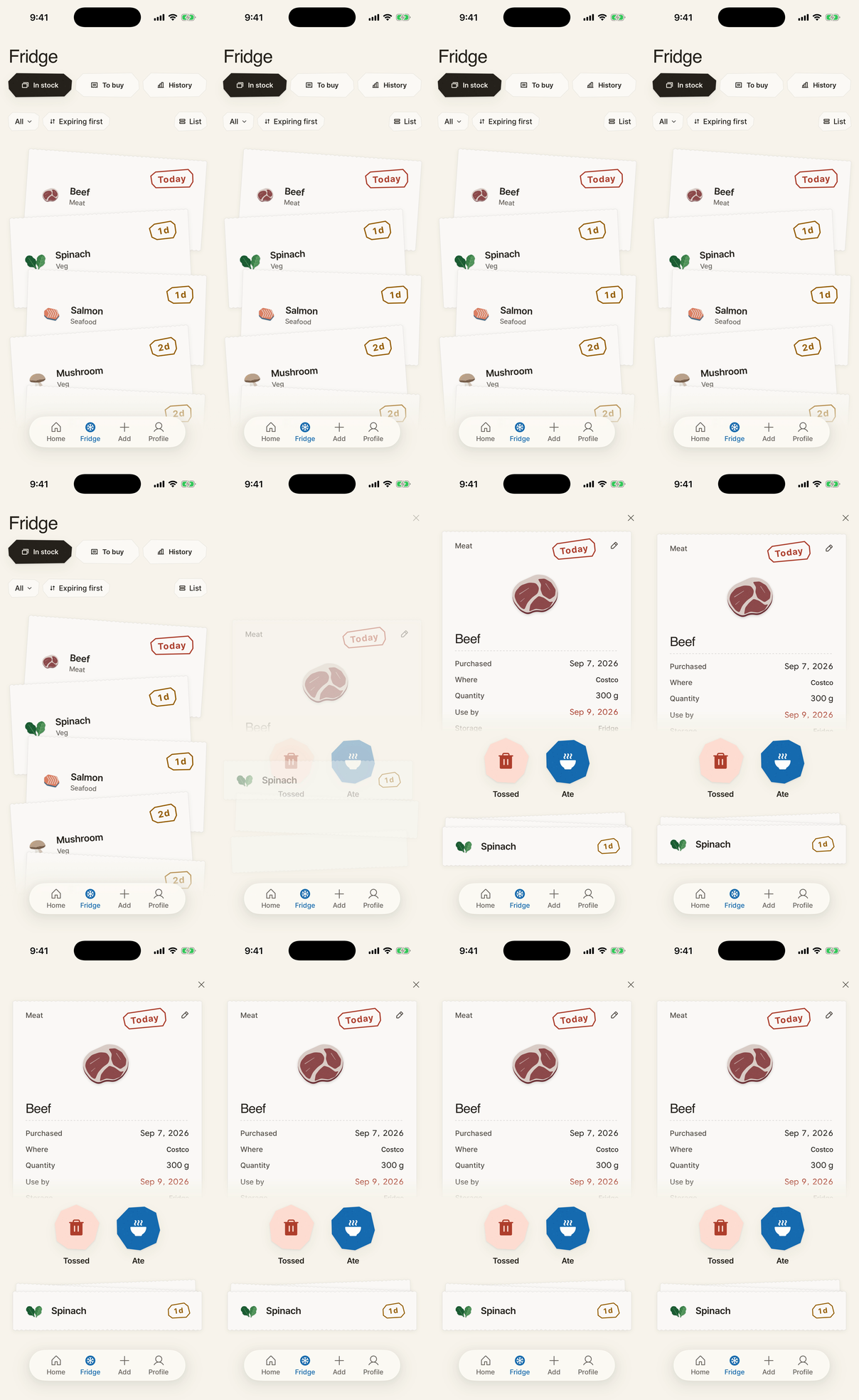
A countdown you can see
Colors show time until each recorded expiry date. Each color comes with a day count. Done with something? Swipe it right if you ate it, left if you tossed it, without opening it.
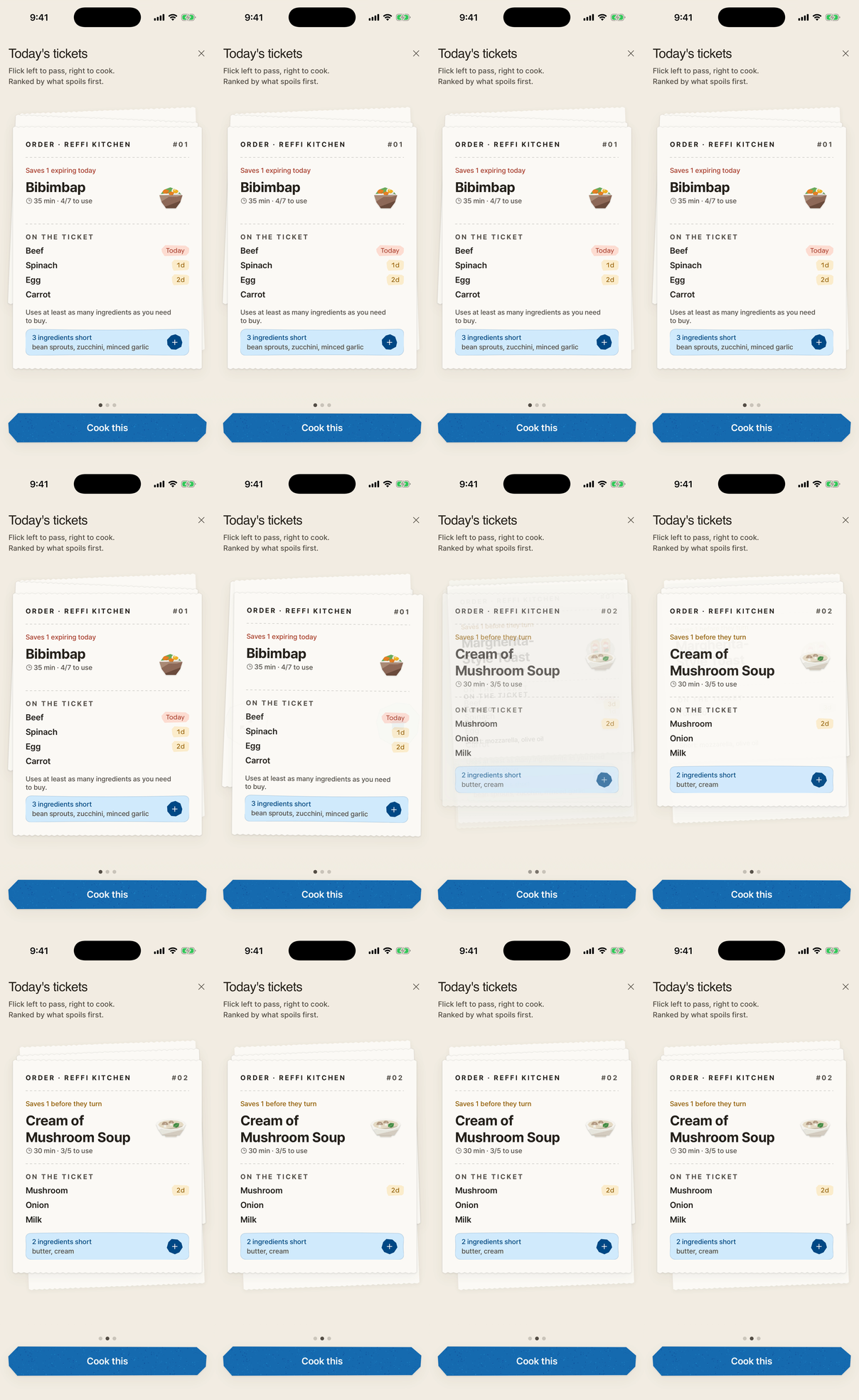
Tickets for what to use first
Tap Start cooking for up to three kitchen tickets based on your ingredients and preferences. Recommendations take expiry dates, pinned ingredients, and your selected country into account. Other picks keeps the first ticket while you explore the remaining suggestions. Flick right to cook, left to pass.
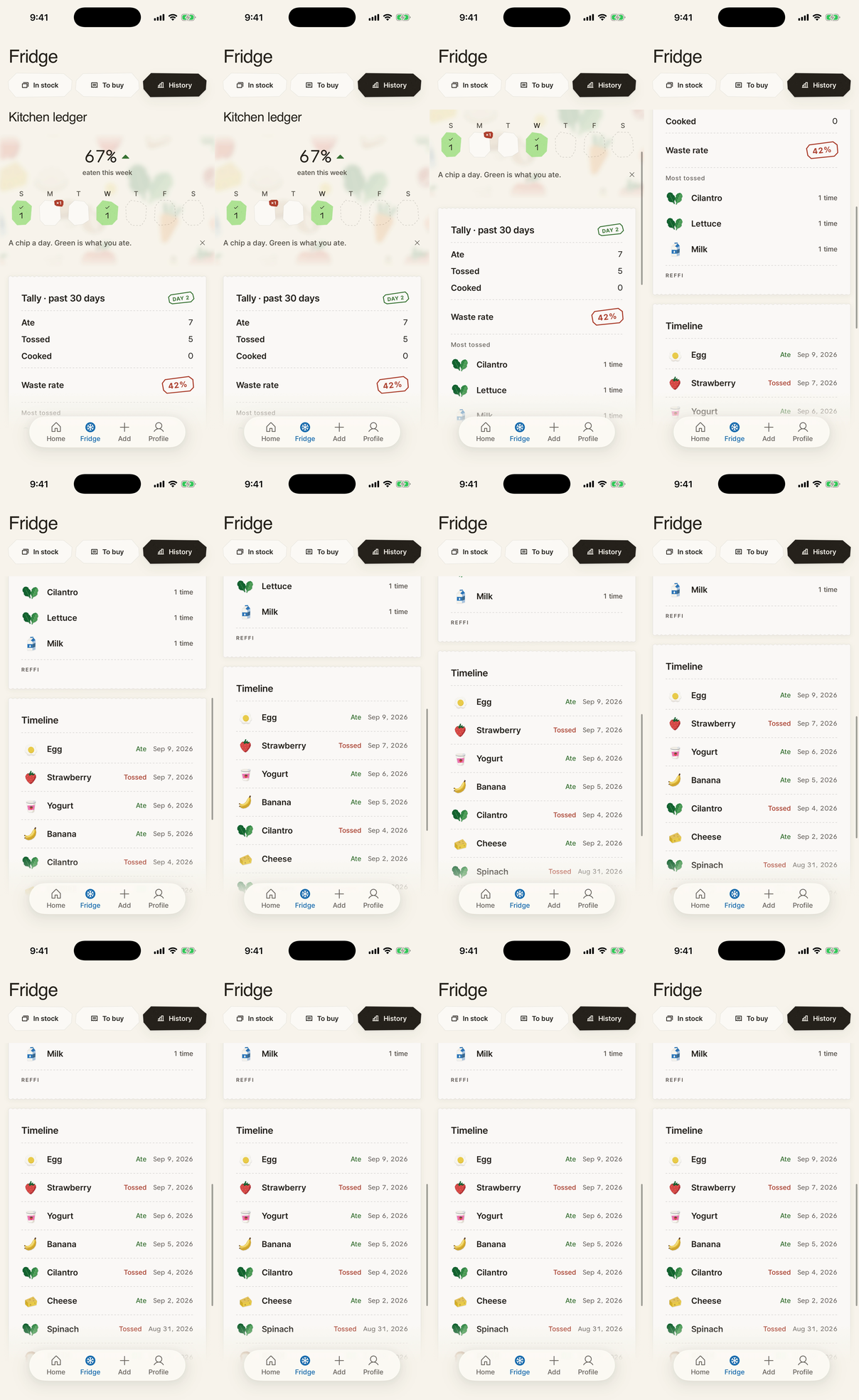
Your weekly tally
A chip a day. Green is what you ate. See your eaten rate against last week and what you toss most.
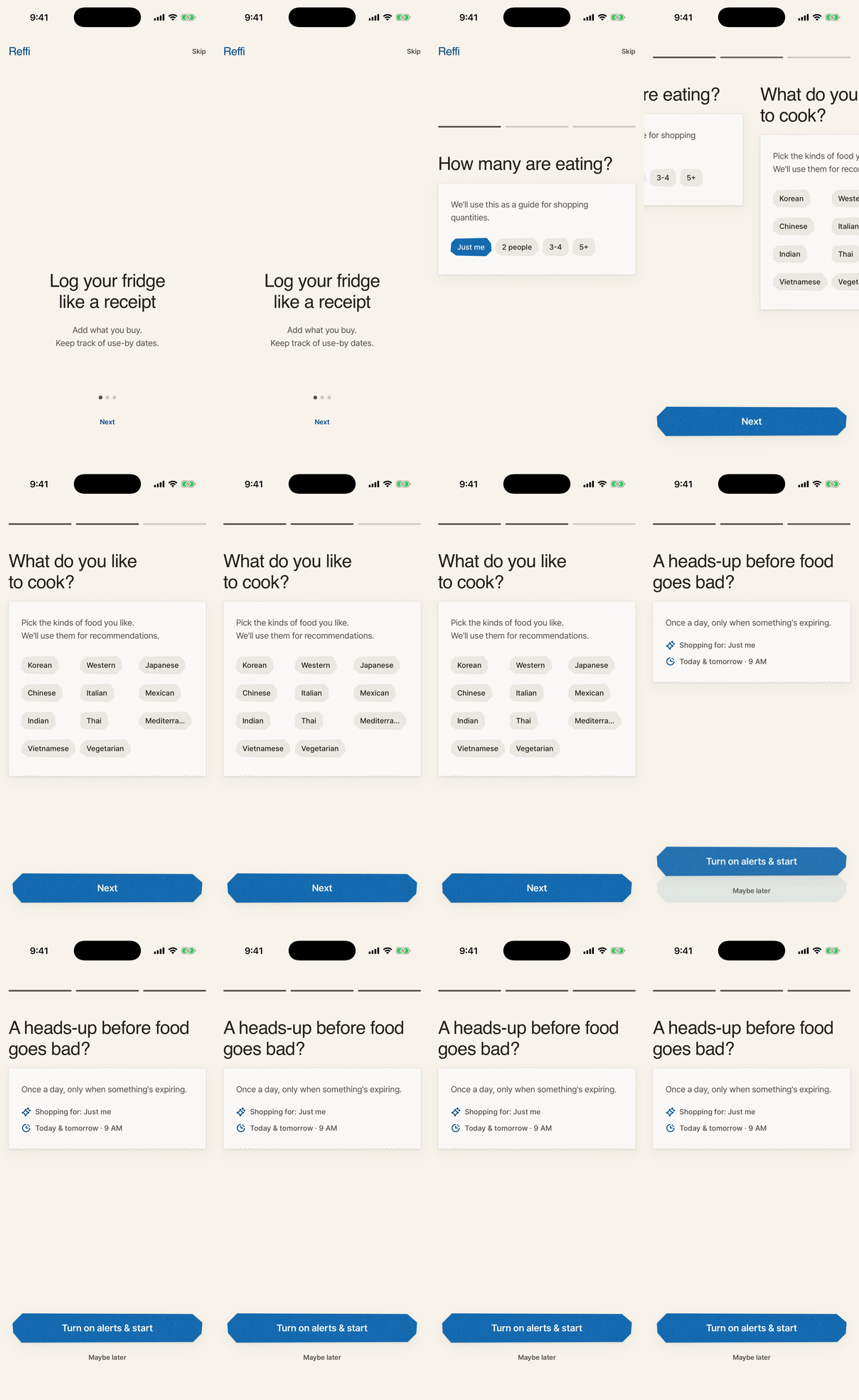
One quiet alert a day
Once a day, only when something is expiring. Default 9 AM, yours to change. For a look anytime, add the Reffi widget to your Home Screen or Lock Screen.
Core values
Use what you have
Food you already bought is the first ingredient.
Act today
One clear thing to do now beats a long list for later.
Clarity and honesty
Dates guide what to check first; they do not measure food condition.
Your fridge is stored on your phone
Basic receipt scanning stays on your device. Separately consented Reading helper sends reduced photos and recognized text through Reffi to Anthropic. Optional personalized recipes use cooking and pass history and other consenting users’ patterns on Reffi servers. Account backup and optional usage sharing also use servers.
FAQ
Which devices?
iPhone with iOS 18 or later. The Apple Watch app needs watchOS 11 or later and shows what to use first and how your cooking is going. While you cook, progress also appears on the Lock Screen and, on iPhones that have one, in the Dynamic Island.
Is it free?
Yes. Reffi is free on the App Store, and there is nothing to sign up for.
Do I need an account?
No. Reffi works without an account, and your fridge is stored on your phone.
Where do the recipes come from?
A curated library of 612 recipes across 17 cuisines, plus your own. Reffi prioritizes recipes that use ingredients nearing expiry, and dishes from your country rank a little higher when Reffi has recipes from it. The country follows your device region, and you can change it under Country in Profile. If you enable personalization, it also uses your cooking and pass history and patterns from other opted-in users. Reffi does not generate recipes with AI.
Start with the fridge you already have.
Download Reffi and cook what is about to turn, first.